
For surf parks
Booking software for
wave pools & surf facilities
Stupid simple booking software for wave pools and surf parks. A session has a fixed time, a cap and a skill level; every surfer signs before arriving and checks in in seconds. Built for the Saturday queue, not the boardroom demo.
Surf parks using wakesys


From booking to check-in
Everything happens before guests arrive. No queues. No chaos. Just happy faces walking straight in.
60-second booking
Mobile booking that guests actually complete
8 in 10 online bookings at Charleston Aqua Park are made on a phone. Our booking flow is optimized for thumbs, not mice, with large tap targets, vertical scrolling, and Apple Pay/Google Pay for checkout in seconds. Activity selection, timeslot, upsells, payment, all in under 60 seconds.[1]
Learn more about booking- Pick the activity: The guest taps Surf Lesson on the park's own booking page.
- Continue as guest: No account, no password. The e-mail comes later, with the details.
- Pick a time: Every slot shows seats left and the price.
- Choose who's coming: Three tickets with the stepper, then Add to cart.
- A second session for less: Back on the time slots, every other session now costs $9.99 instead of $85.00. The guest skips it and carries on.
- Add-ons: Wetsuit Rental × 3, straight into the order.
- An upgrade on offer: Follow-up Course as a bundle, crossed-out price and all. A quick "No, thanks" and it's gone.
- Your details: One tap on the AutoFill suggestion fills every field. Tick the terms and continue.
- Check out: Everything in one order, taxes on top, total at the bottom.
- Pay with Apple Pay: Double-click and it's paid.
- Booked: The confirmation already points to the next step: assigning the tickets.
Pre-arrival waivers
Waivers signed before guests arrive
Guests sign liability waivers at home, not in your queue. When they arrive, your staff just verifies the signature and checks them in with one tap. No more iPad kiosks baking in the sun, no more families waiting in line.
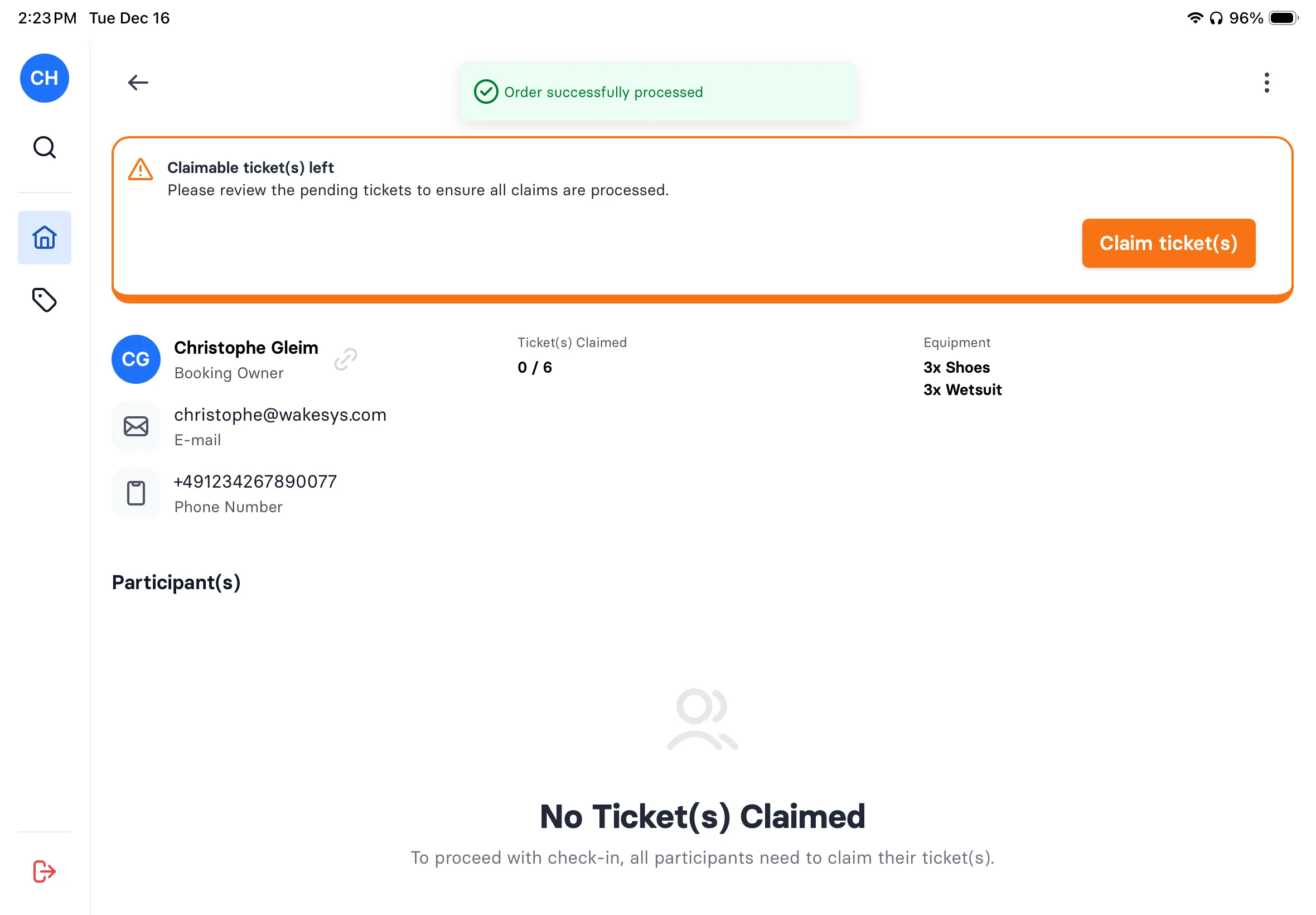
Learn more about waivers- Share the booking: Chris can share an invite link, so friends in the group assign their own tickets and sign their own waivers.
- Take your own ticket: Chris picks Myself.
- Sign the waiver: Read it, sign with a finger, done. Name and address come from AutoFill.
- Next ticket: One down, two to go.
- For his kids: Chris picks Child.
- Annick has been here before: She's already on the account from a past visit, with her waiver on file. One tap, no new waiver.
- Levi's ticket: Two down, one to go.
- For his kids: Child again.
- A new child: Levi hasn't been here yet, so Chris adds him as his own child.
- Levi's details: Name and date of birth, with Chris recorded as legal guardian.
- Sign for Levi: The same waiver, signed by Chris as Levi's legal guardian.
- Everything is set up: Three tickets, three named people, every waiver in place. Before anyone leaves home.
Staff check-in
One-tap check-in for your front desk
See your daily manifest at a glance. Tap a booking to see all guests and their waiver status. Check in the whole group with one tap. Walk-in sales, refunds, cancellations: everything your front desk needs, on one iPad.
Learn more about check-in- Today's bookings: Every booking for the day, grouped by time slot.
- Everyone has signed: Each guest's signature is right there. Select all, tap Check In.
- Checked in: The whole family is in with one tap. No clipboard, no queue.
Walk-in sales
Surf park POS: sell tickets at the counter in seconds
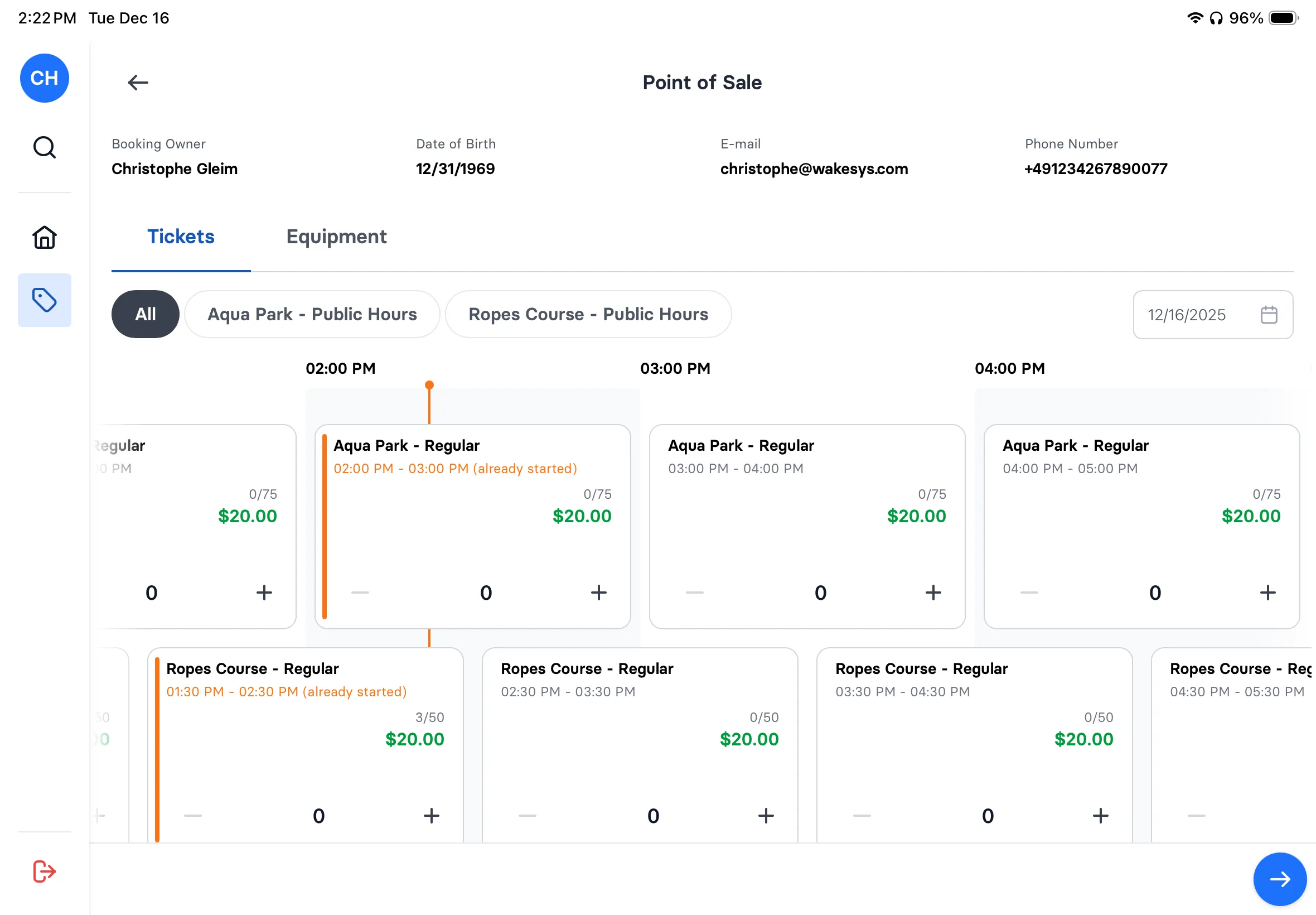
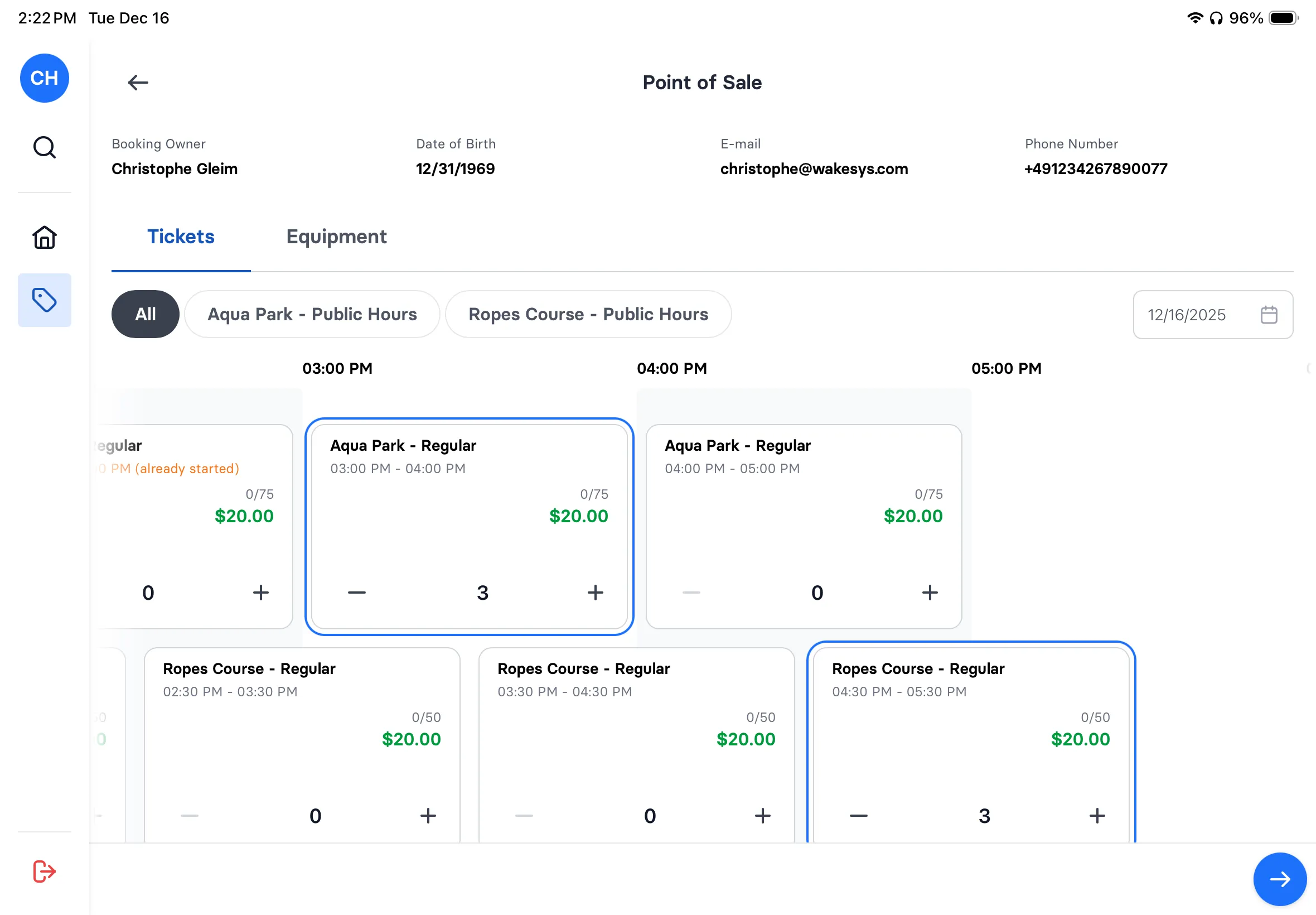
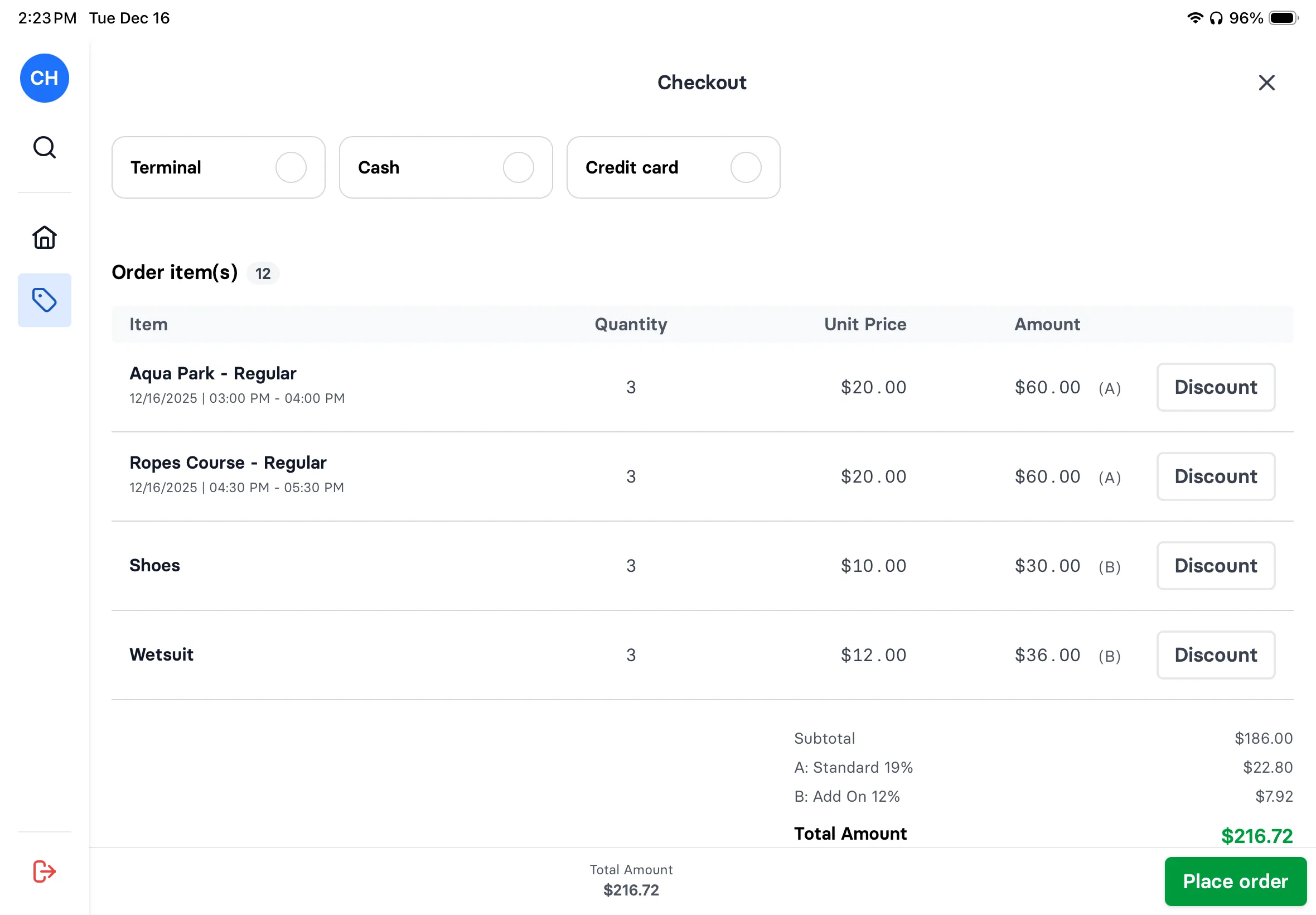
Guest shows up without a booking? No problem. Select their tickets, add equipment rentals, apply discounts if needed, and check out, all on your iPad. The same beautiful interface your staff already knows from check-in.
Learn more about POS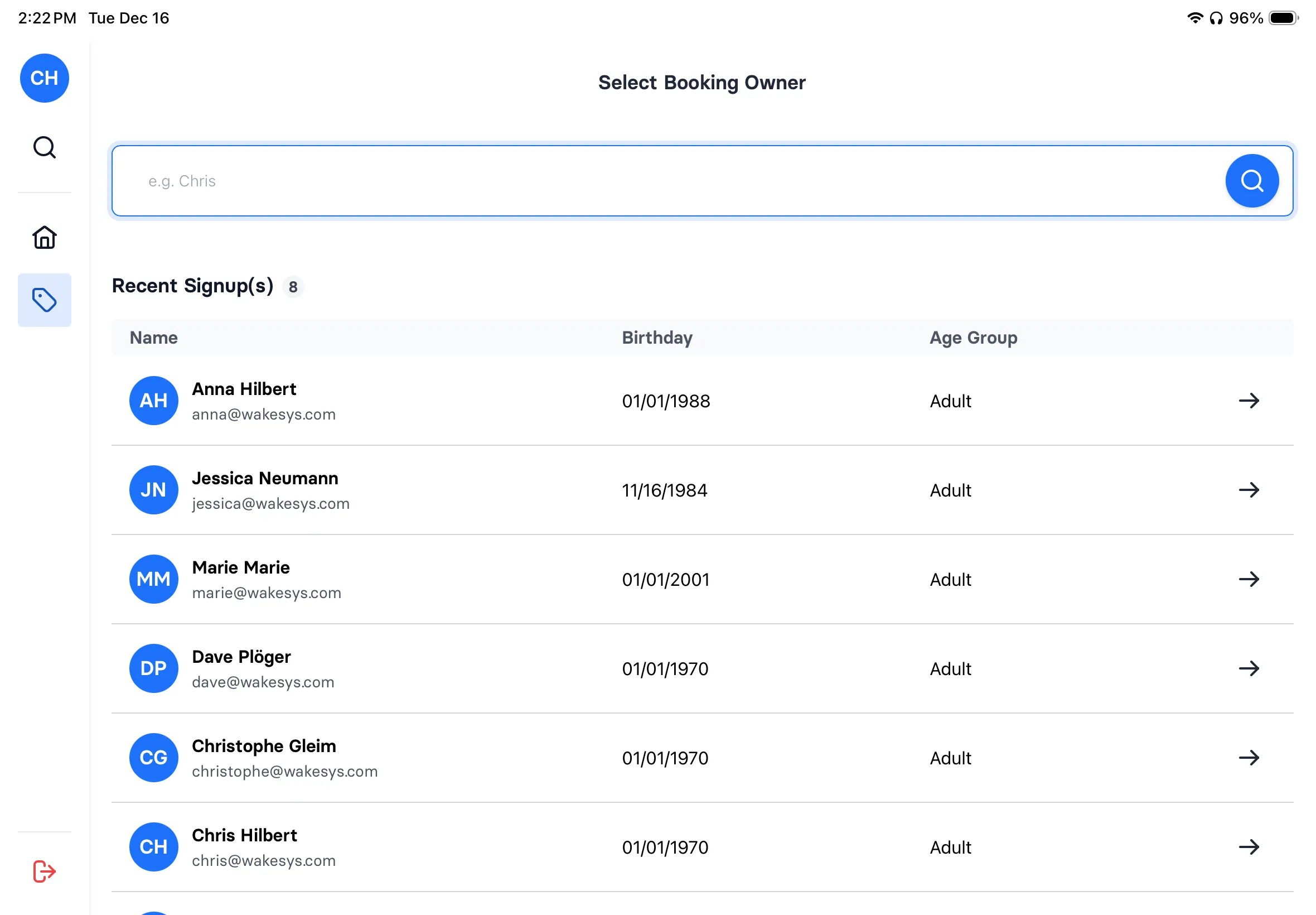
Surf video
A camera system built into wakesys
One less system to run. Parks on wakesys get their own camera system at the wave, on the same wristbands as the rest of the park. No camera company takes a cut, so you can give every clip to your guests free. Each one they post shows your park to all their followers, which is worth more than a commission on video sales.
How surf video worksFor your safety staff
An Apple Watch app for your surf coach
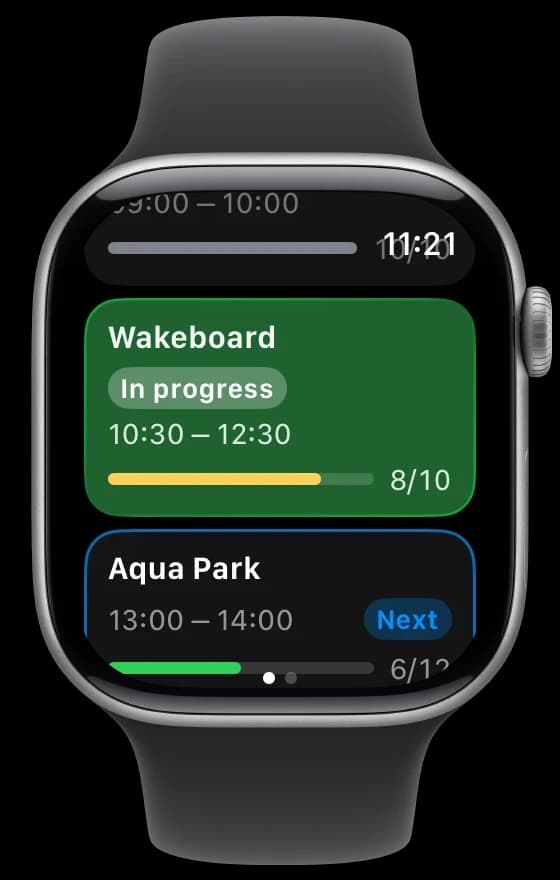
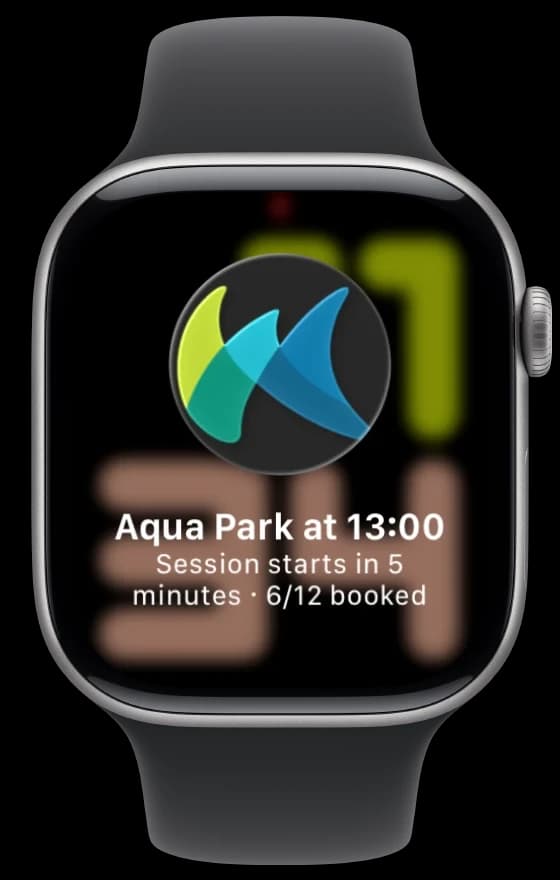
The wakesys safety app sends your surf coach a notification before every session, so the briefing starts on time and the session ends on time. Eyes on the water, not on a phone.
- A reminder before each session starts and before it ends: 15, 10, 5, 1 or 0 minutes before, as each person picks (5 and 1 by default)
- Only the session types they look after
- Work mode for the shift, off at midnight
- Today's sessions on the watch, with how many guests are booked

“Session management was our biggest headache. Now guests book the right skill level, sign waivers ahead of time, and check-in takes seconds.”

Marianna Biaudet
Owner, Wakeparadise, IT
What to look for in surf park software
Based on running activity venues and talking to surf park operators, here's what actually matters:
- Session-based booking: Surf parks run fixed sessions with strict capacity. Your software must handle time-slot booking with per-session limits.
- Waiver integration: Water sports require liability waivers. They should be signed during booking, not at check-in. Saves 10+ minutes per session.
- Capacity management: Overcrowded sessions are dangerous and reduce quality. Real-time capacity tracking is non-negotiable for surf parks.
- Skill level filtering: Beginners and advanced surfers need different sessions. Your booking flow should capture experience level.
- Dynamic pricing: Peak sessions (weekends, holidays) should price higher. Off-peak rates fill empty sessions. Automate this.
- Transparent pricing: Surf sessions are premium-priced. Per-booking commissions on $50-100 sessions add up fast. Know your costs.
Frequently asked questions
Everything you need to know about using wakesys for your wave pool.
Guests book specific time slots for wave sessions. Each session has a defined capacity, skill level requirement, and duration. The system prevents overbooking and shows real-time availability. Guests receive confirmation with session details and check-in instructions.
Yes! You can create different session types for beginners, intermediates, and advanced surfers. Each can have different wave settings, pricing, and capacity limits. Guests select their level during booking.
When guests book, they receive a link to sign their waiver digitally before arriving. On the day of their session, staff can see at a glance who has completed their waiver. No paper, no queues, no delays.
Absolutely. Lesson organizers can book a session and share a claim link with participants. Each person claims their spot and signs their own waiver. You see real-time status of who's confirmed.
Each session has its own start and end time, so you leave the changeover in the schedule itself. Guests only ever see the sessions you set, so two sessions can never overlap by accident.
Yes. Parks on wakesys get their own camera system at the wave: guests scan their wristband, surf, and get a notification when the clip lands in the free Surf Videos app with your logo on it. No camera company takes a cut, so you can give every clip away and let your guests' posts market the park.
See wakesys with your own park
30 minutes with people who run their own park. Bring your busiest Saturday.